Posting eras
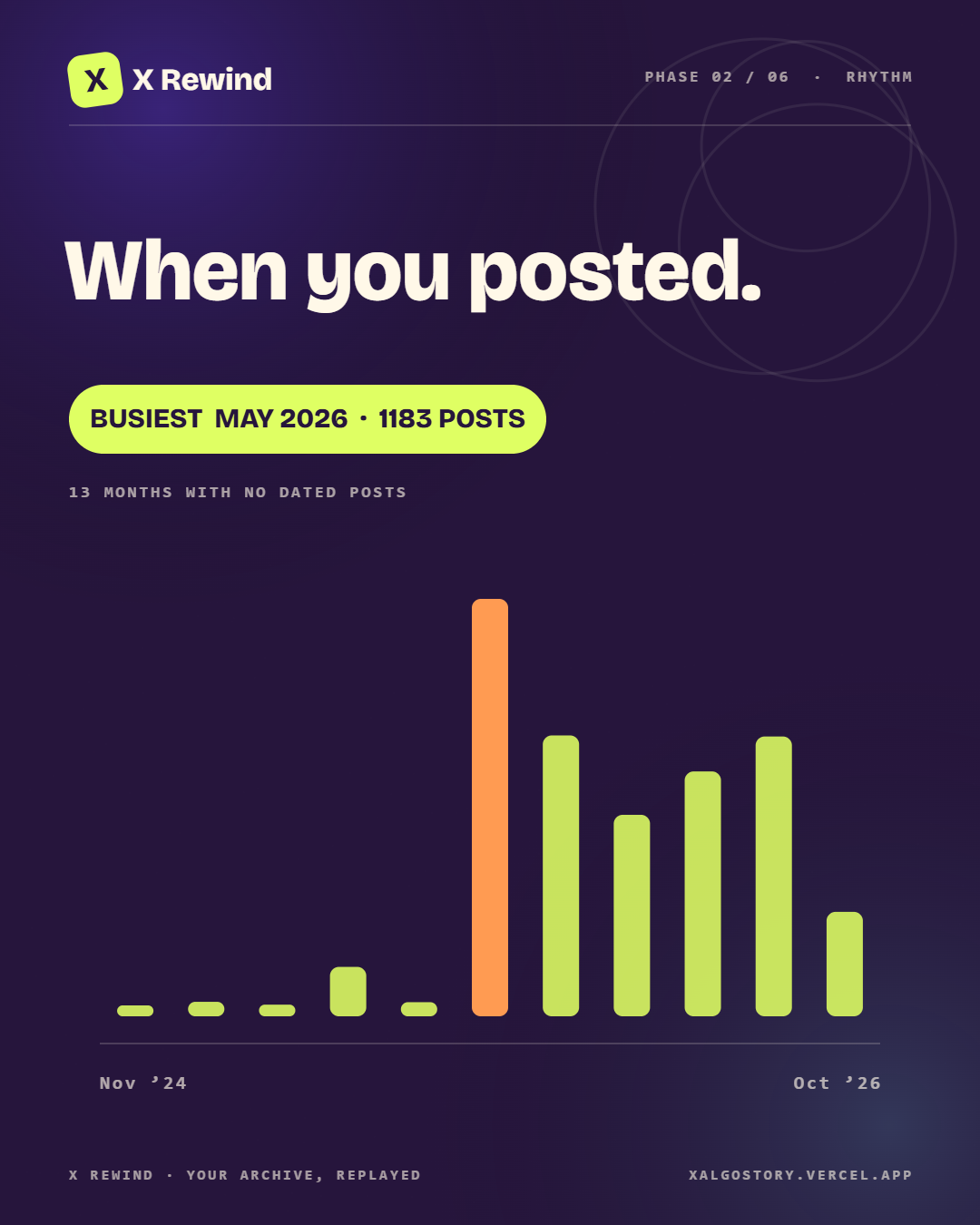
See the busy months, quiet stretches, and everything between.
A little story from your X archive: the months you showed up, what you talked about, what you liked, and a few posts along the way.
On desktop: open More → Settings and privacy. In the app, tap your profile icon, then Settings and privacy.
Tick steps as you go — this list lives only in this browser.
DMs are excluded. The ZIP and extracted files are deleted after processing. Your story, including a few short post excerpts, stays in your private session for up to 12 hours after your last visit. The shareable cards include a single highlight with handles and links removed. A small summary of topic counts and X’s saved interests is kept on the server for change tracking.
Your posting rhythm, the plot twists, what you liked, and a few posts brought back from the archive.
See the busy months, quiet stretches, and everything between.
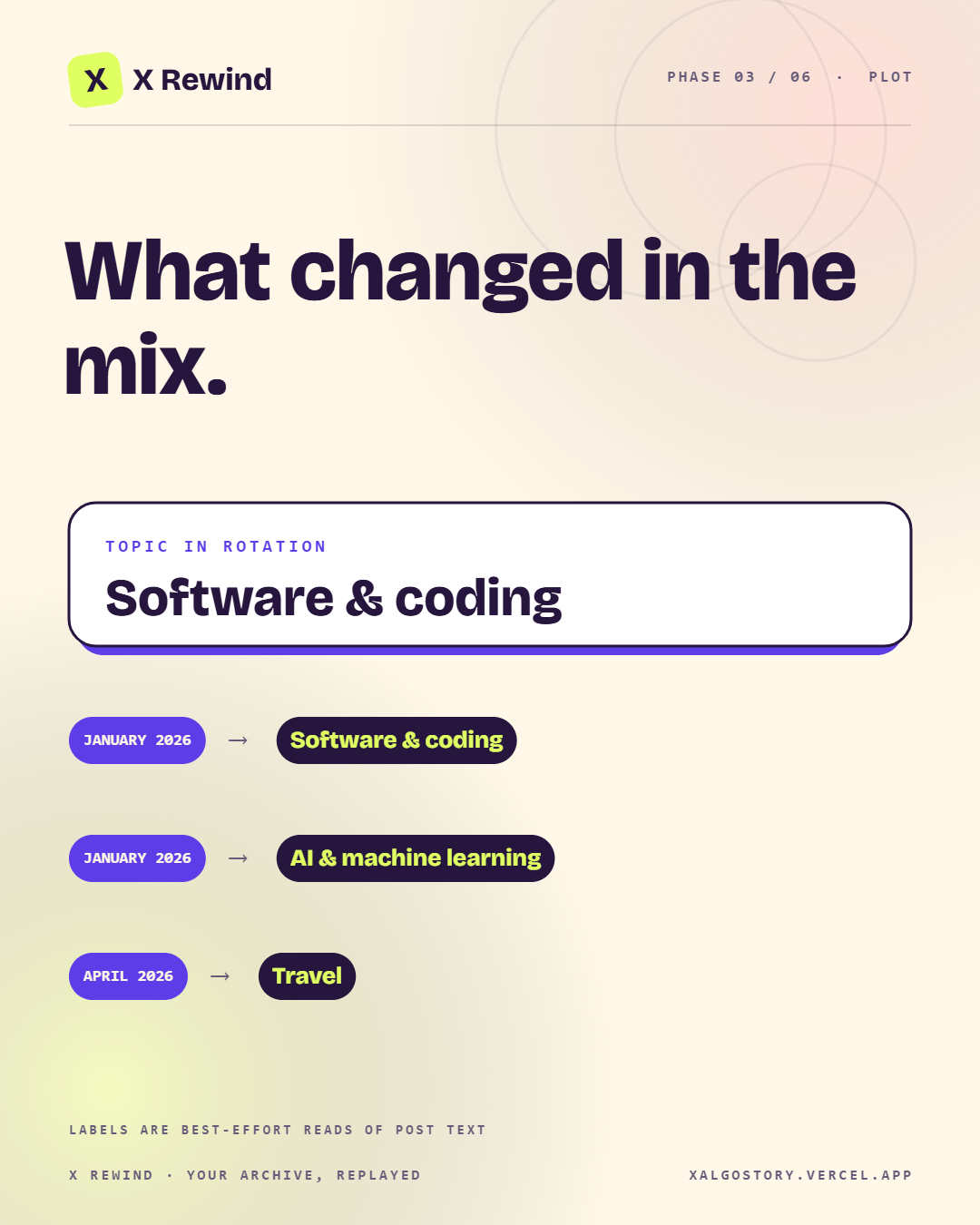
New labels, changing leaders, and sudden bursts of posts.
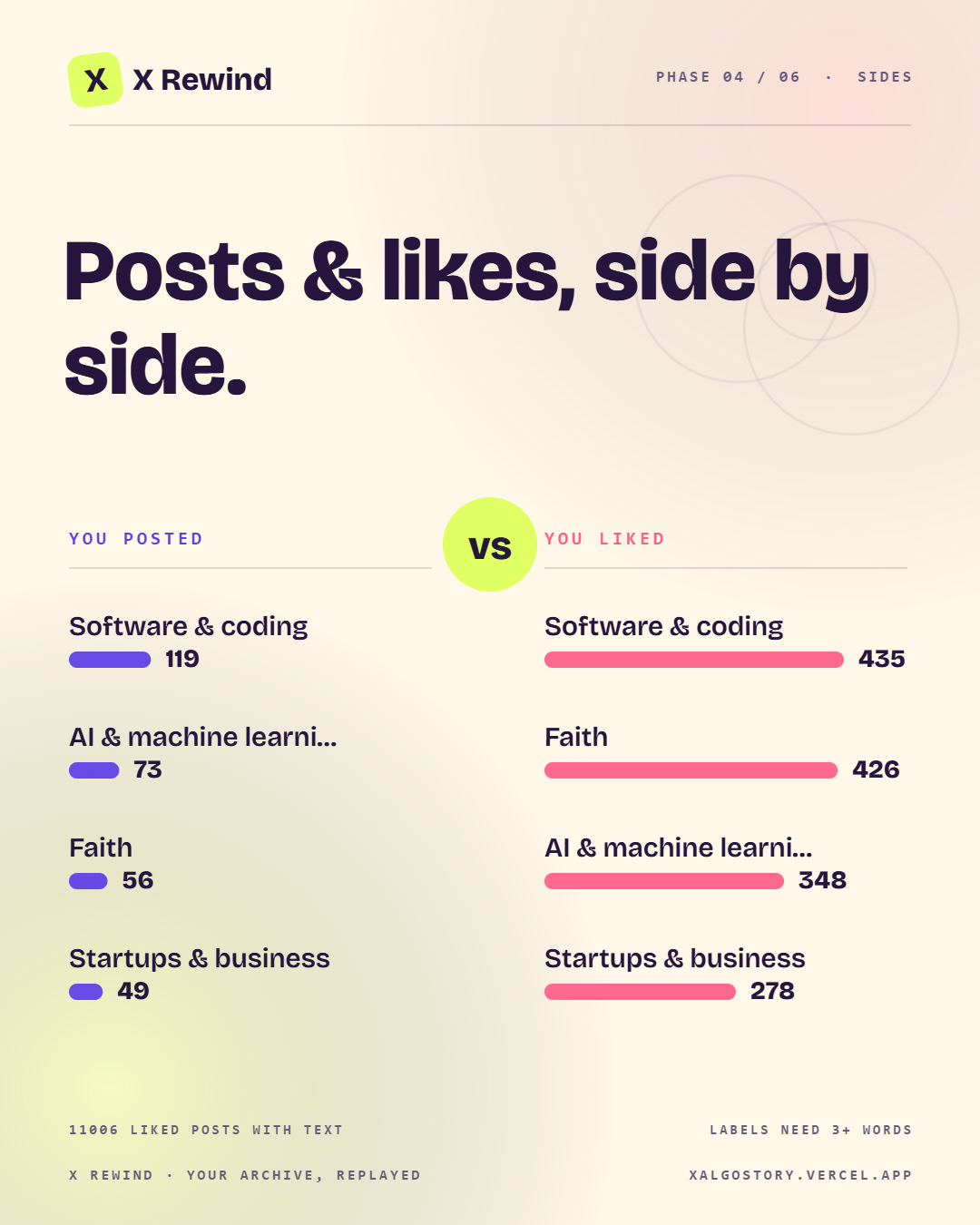
Put the topics you posted beside the ones in posts you liked.
A few lines from the archive, tied to the months they came from.
See the interest labels X saved in your archive.
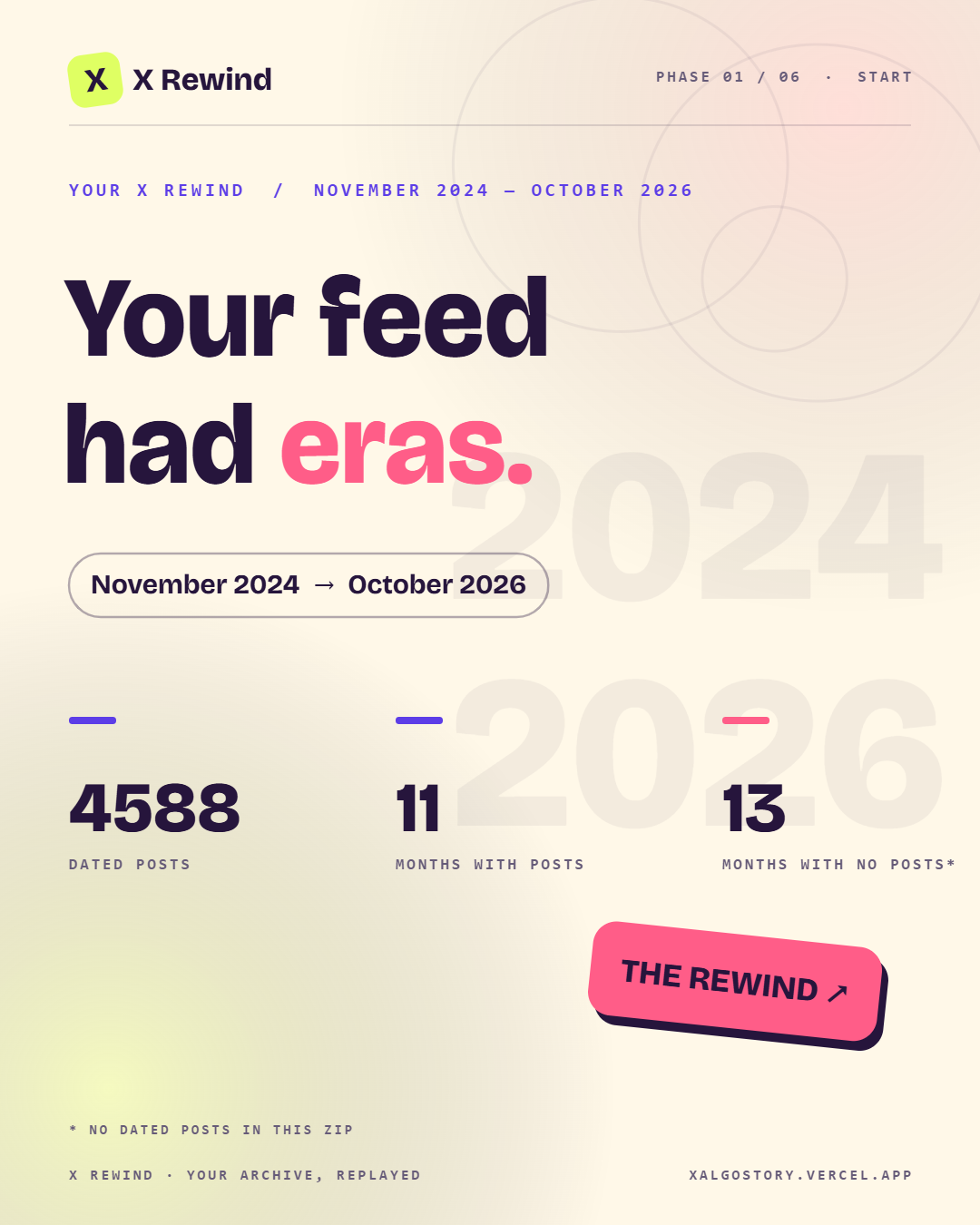
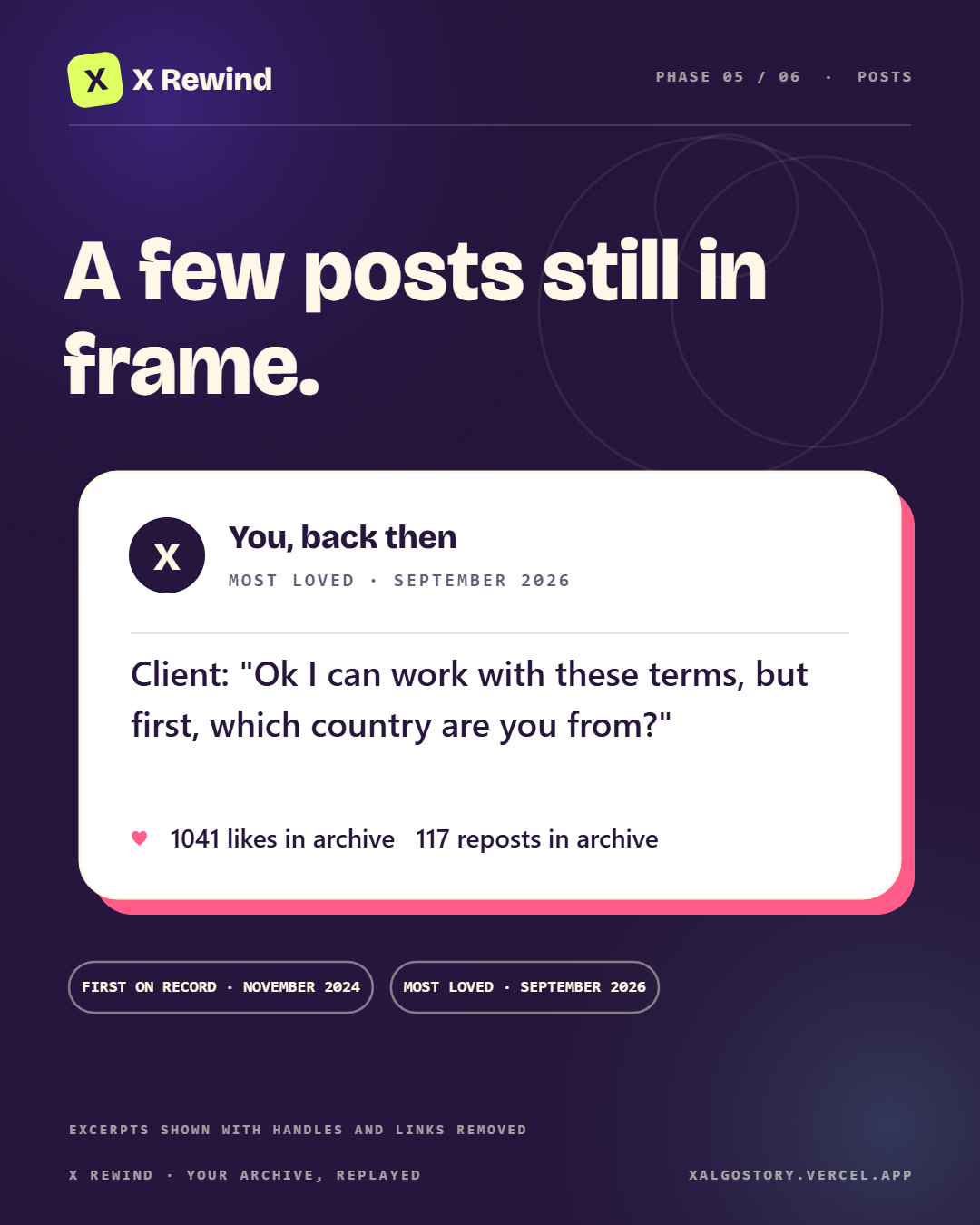
Every replay ends with six designed cards at 1080×1350 — drawn from your own archive, ready to post or keep. The set below is a real one: the maker’s own archive, 4,588 posts and all.
Tap a card for the full 1080×1350 PNG · All six download as a ZIP when your rewind ends